
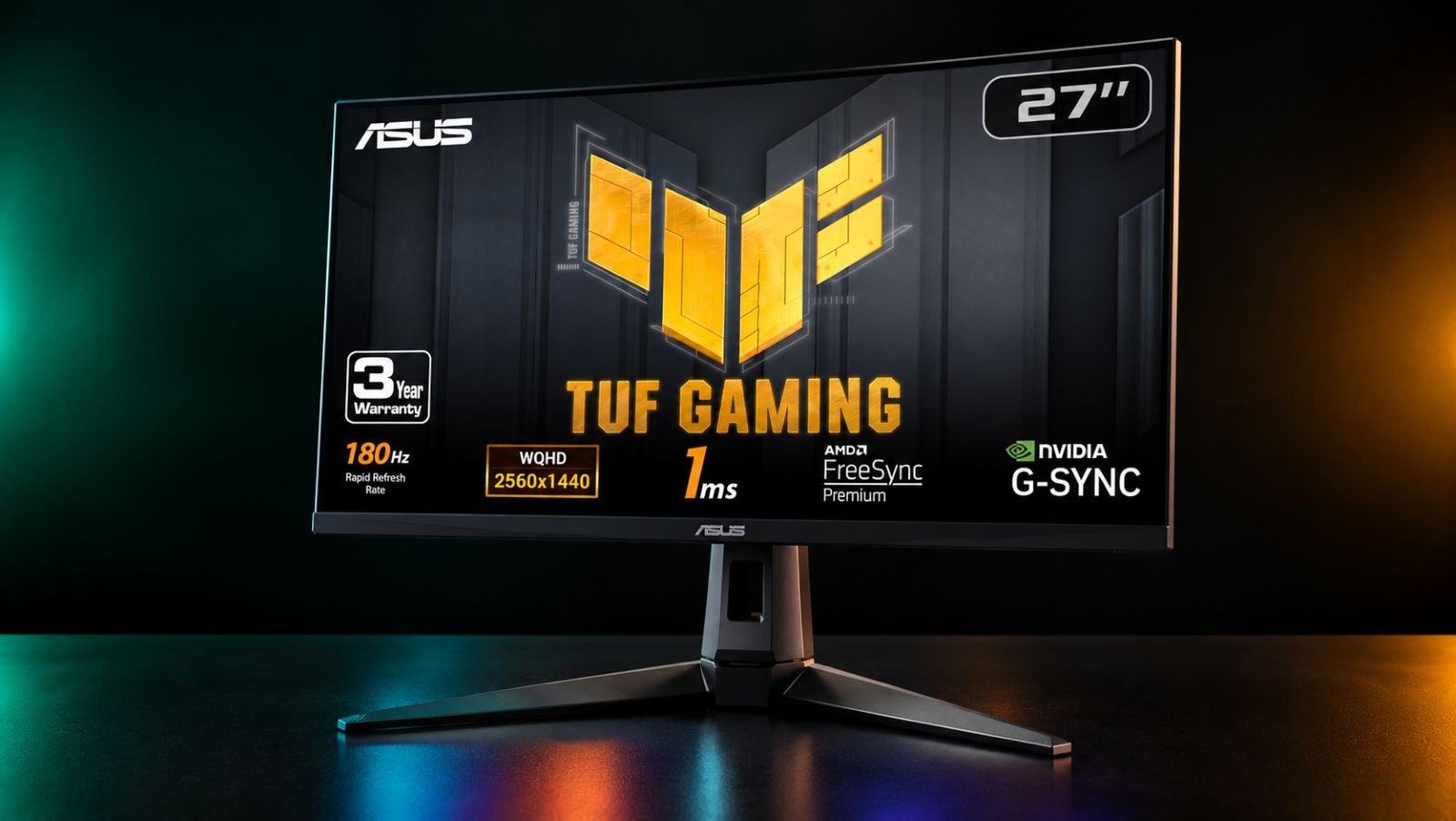
ASUS TUF Gaming VG27AQ3A Review
As an Amazon Associate I earn from qualifying purchases.
A 27-inch 1440p Fast IPS monitor with a native 180 Hz refresh rate. Why it's our top value pick, and where it cuts corners.
Best for
Gamers with a mid-range graphics card who want sharp 1440p and smooth high-refresh gameplay for competitive and single-player games, without paying OLED prices.
Not for
Anyone who wants real HDR, deep OLED-style blacks, a height-adjustable stand, or a refresh rate above 240 Hz for esports.
Key Specs
What Reviewers & Owners Say
The VG27AQ3A replaces ASUS's popular VG27AQ1A, and the key upgrade is a native 180 Hz refresh rate instead of an overclocked one. Reviewers describe motion as very clean at 180 Hz, with little visible blur, and colors as vibrant thanks to the 130% sRGB Fast IPS panel. DigitalReg scored it 9/10 and called it a worthwhile upgrade at a lower price than its predecessor.
Adaptive sync works with both AMD and NVIDIA cards, and ELMB Sync lets you combine motion blur reduction with variable refresh rate, which many budget monitors cannot do. GamePlus tools like the on-screen crosshair and FPS counter are handy extras.
The compromises are where you'd expect at this price. HDR10 is supported but brightness is limited and there is no DisplayHDR certification, so HDR looks only slightly different from SDR. Contrast is typical of IPS, so dark scenes look grayer than on OLED or VA, and some units show minor backlight bleed. The stand only tilts and swivels, so many owners add a VESA arm.
Pros & Cons
Pros
- Sharp 1440p with a native 180 Hz refresh rate
- Clean motion with little blur
- Vibrant Fast IPS colors (130% sRGB)
- FreeSync Premium and G-SYNC Compatible, plus ELMB Sync
- Strong value for a 1440p high-refresh monitor
Cons
- HDR is weak (no DisplayHDR certification)
- IPS contrast; blacks look gray in dark rooms
- Minor backlight bleed reported on some units
- Stand has no height adjustment
- HDMI 2.0 only, so consoles top out at 120 Hz
Alternatives to Consider
AOC Q27GAZDV 27" QHD 240Hz QD-OLED Gaming Monitor
The step up to OLED contrast and 240 Hz at 1440p.
Samsung 27" Odyssey OLED G6 (G61SH) QD-OLED Gaming Monitor
A QD-OLED option for players who want faster refresh and deeper blacks.
ASUS ROG Strix OLED XG27AQDMG 27" 1440p Gaming Monitor
ASUS's glossy WOLED choice with burn-in protection features.
MSI MPG 271QR QD-OLED X50 27" 1440p 500Hz Gaming Monitor
The no-compromise esports pick with a 500 Hz OLED panel.
Verdict
The ASUS TUF Gaming VG27AQ3A is the easiest 1440p monitor to recommend for most gamers. It gets the essentials right: a sharp 27-inch image, a native 180 Hz refresh rate, clean motion and wide GPU compatibility, at a price well below OLED. Skip it if you care about HDR or deep blacks, but for everyday gaming it is outstanding value.
Frequently Asked Questions
Is the ASUS VG27AQ3A good for gaming?
Yes. 1440p at 180 Hz with Fast IPS and adaptive sync is a strong combination for both competitive and single-player games.
Does it work with PS5 and Xbox Series X?
Yes, over HDMI 2.0. Consoles can run it at up to 120 Hz; the full 180 Hz is available on PC via DisplayPort.
Is the HDR worth using?
Not really. It accepts HDR10 signals, but without high brightness or local dimming the difference from SDR is small.
What graphics card do I need for 1440p at 180 Hz?
A mid-range or better current GPU will reach high frame rates in most esports titles; demanding single-player games may need lower settings to approach 180 fps.
How is it different from the VG27AQ1A?
It runs 180 Hz natively instead of an overclocked 170 Hz, with an improved Fast IPS panel, typically at a lower price.
As an Amazon Associate I earn from qualifying purchases.